01
Choose the right series
Match the published series to your exam and stage. Review its question count and time limit before you begin.
Take published BPSC Prelims and SBI PO Prelims mock tests online. Check question counts and time limits, then review your results.
Practice scores are for learning, not official results or a prediction of selection. Check the recruiting authority's latest notice for exam rules.
Take published SBI PO and SBI Clerk mock tests online. Check question counts and time limits, then review your results.
9 published exam series. Search by exam, category or stage.
Series, question counts and time limits vary. Use the details shown on each published series page, and check the latest official notice for your exam.
Match the published series to your exam and stage. Review its question count and time limit before you begin.
Read the instructions, set aside uninterrupted time and answer without relying on notes during the attempt.
Use the result and saved attempt history to find missed questions, revisit the related topic and plan your next practice session.
Practice scores are for learning, not official results or a prediction of selection. Confirm eligibility, exam dates and rules with the relevant authority.
Review the current Premium price, access period, and included courses before subscribing. Coverage is based on published series and remains subject to the plan terms and subscription dates.
Published practice
Choose a published series and find the right practice set for your exam.

SBI PO Prelims Test Series - Practice with exam-level mock tests covering English, Quantitative Aptitude, and Reasoning, with detailed performance analysis to improve speed, accuracy, and preparation for the SBI PO Prelims exam.
View test series
Junior associate practice covering speed, accuracy and customer-facing banking aptitude.
View test seriesCircle-based officer practice with banking, reasoning, English and professional knowledge.
View test seriesSpecialist officer practice with aptitude, reasoning, English and role-ready banking knowledge.
View test seriesApprentice-level practice for general awareness, quantitative aptitude and local language readiness.
View test series
Constable-level practice for General Knowledge, Current Affairs, Mathematics, Reasoning and Hindi.
View test series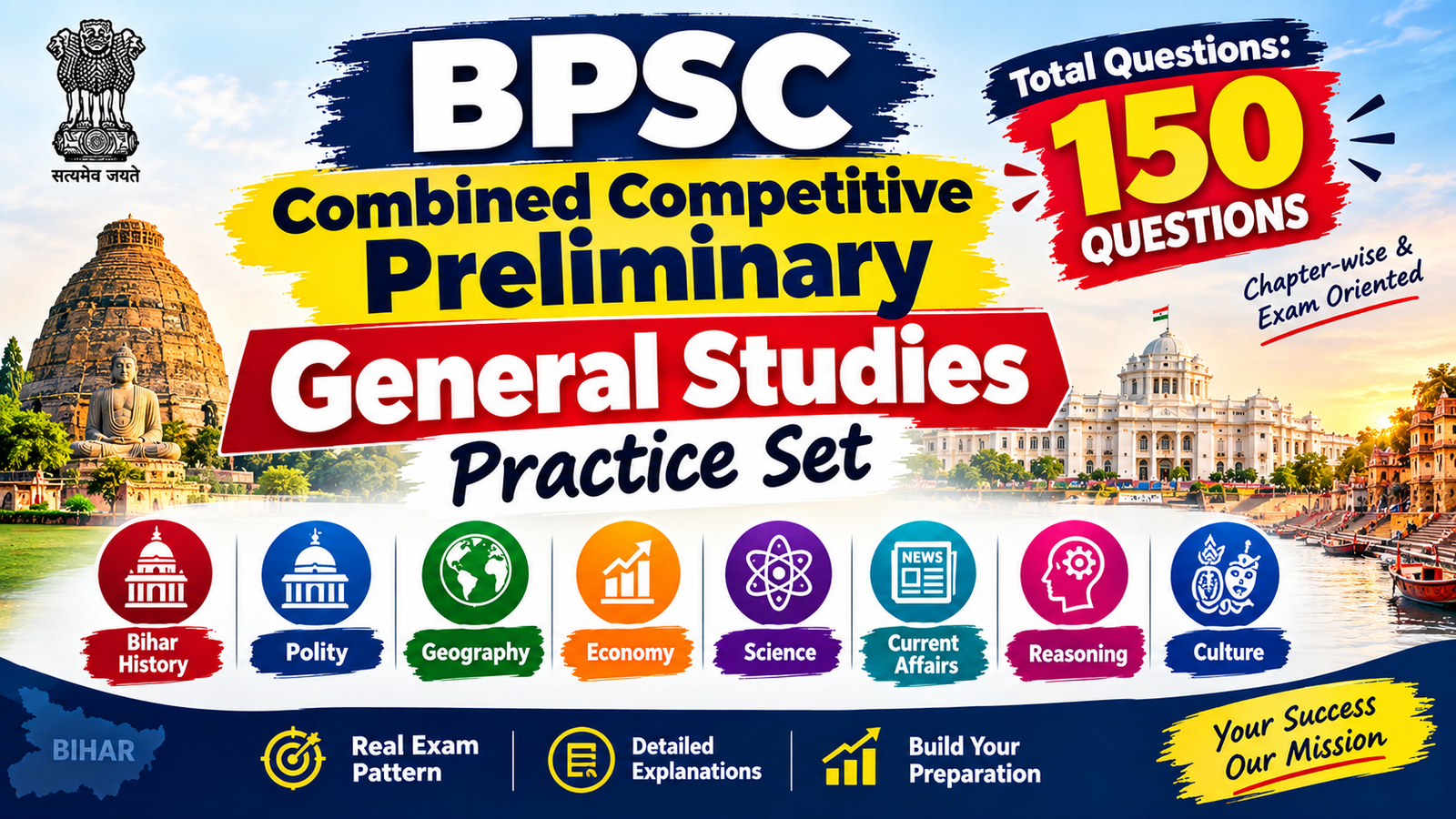
150-question BPSC Combined Competitive Preliminary General Studies practice set covering Bihar history, polity, geography, economy, science, current affairs, reasoning and culture, with a 120-minute time limit.
View test series
Prepare for SBI PO Prelims with our comprehensive test series designed to help you strengthen your concepts, improve speed and accuracy, and boost your confidence.
View test series
Take a full-length 100-question RRB Group D practice mock covering Mathematics, General Science, General Intelligence and Reasoning, and General Awareness. The 90-minute test awards 1 mark for a correct answer, deducts one-third mark for an incorrect answer, and gives 0 for an unattempted question.
View test seriesMove from one set to the next while keeping every result in your history.
Practice published question sets for the government exam you are preparing for.
Your enrollments, attempts and purchases are associated with your account.
Browse BPSC and banking practice now, or search for Bihar Police, State PCS and UPSC Civil Services as new sets are published.
A focused practice platform is powerful when you use it consistently. Here is the honest picture before you begin.
A better way to practise
Practical guidance for choosing tests, reviewing results, and preparing with clear expectations.
Practice guide 01
Find published exam series, attempt timed question sets, and review your saved results from one account. Choose a listing only after checking its details.
Explore available seriesPractice guide 02
Series availability, question counts, timings, and prices can differ. We show the details available for each listing so you can review before enrolling.
Review the catalogPractice guide 03
Match the exam and stage first. Then check the series description, the number of available tests, question count, and time limit on its product page.
Compare test seriesPractice guide 04
Set a repeatable time for practice, attempt one available test without interruptions, and reserve time afterwards to review questions you found difficult.
Try a sample testPractice guide 05
A mock test gives you a structured way to practise and review. It cannot guarantee an exam score, appointment, rank, or selection outcome.
Read the disclaimerPractice guide 06
Use this site for practice. For eligibility, application dates, exam schedules, syllabus changes, and official marking rules, rely on the recruiting authority’s latest notice.
Review exam guidancePractice guide 07
Before starting, note the displayed time limit. After submitting, compare your accuracy and pace with your own earlier attempts rather than guessing from a single score.
See how practice worksPractice guide 08
Look beyond the total percentage: identify missed questions, revisit the relevant topic, and use a later attempt to check whether your approach improved.
Open your dashboardPractice guide 09
When signed in, submitted attempts are available from your account history. Use the dates and scores to notice patterns and set a realistic next goal.
View test historyPractice guide 10
Repeating a test can help you check recall, but first review the questions you missed. Your saved submissions let you compare attempts over time.
Review past attemptsPractice guide 11
The site pages adapt to phone, tablet, and desktop widths. Keep a stable connection and use a screen size that lets you read each question comfortably.
Try the samplePractice guide 12
Question wording and structure vary by series. Read any passage or direction supplied with a set before answering its related questions.
Choose a seriesPractice guide 13
The catalog includes published series with available practice content. Open a product page to see its current tests and details; availability may change as content is maintained.
Browse available testsPractice guide 14
Sign in before starting paid enrollment so the purchase and course access can be associated with your account. Use the dashboard to return to your learning.
Sign in or create an accountPractice guide 15
After a successful purchase, check Orders for the order record and available invoice. If access or payment status looks wrong, contact support with the order reference.
Open ordersPractice guide 16
The product page and checkout show the current payable price. If a coupon field is offered, confirm the code is accepted and the final total before paying.
Review available plansPractice guide 17
Short, focused sessions with review are easier to sustain than unplanned marathon practice. Balance mock tests with syllabus study, revision, and rest.
Read preparation articlesPractice guide 18
Use readable zoom, adequate lighting, and a stable surface. If a page or question is difficult to use, tell support which page and device you used.
Contact supportPractice guide 19
Use a unique password and never share passwords or one-time codes in support messages. Review the privacy information to understand how account data is handled.
Read the privacy policyPractice guide 20
If a question, result, enrollment, or page appears incorrect, send a concise description and the relevant test or order reference. Never include payment credentials.
Get in touchStraightforward answers
Find practical information about choosing a series, taking tests, tracking results, and managing your account.
50 answers across 5 topics
FullMockTestSeries.com is a practice platform where learners can browse published exam series, attempt available tests, and review saved results.
Open the exam catalog, choose a published series, and check its stage and description. Use the product page to review the tests currently available.
You can browse public pages without signing in. An account is required for features that need saved progress or enrollment.
Choose Log in or Dashboard from the site navigation and follow the account form. Use an email address you can access.
Use the Free sample link where available to preview the practice flow. The sample may have different content from a paid series.
Open a series from the catalog. Its product page lists the current available tests and the details recorded for that series.
No. The catalog shows published series with available practice content. Check it again later if the series you need is not listed.
Yes. Pages are designed to adapt to common phone, tablet, and desktop screen sizes. A current browser and stable connection are recommended.
No app installation is required to use the website in a supported browser.
Compare the exam stage, description, current test availability, question count, timing, and price shown on each product page.
Sign in if the test requires an account, open an available series, and follow the instructions shown before starting the test.
Time limits vary by test. Check the product or test instructions for the time displayed for the specific set you are about to attempt.
Question counts can differ between test sets. Check the test or series details before beginning.
Treat a timed attempt as a continuous session unless the on-screen instructions explicitly provide a pause option.
The site records the submitted attempt and shows a result page with the score information available for that test.
You can start another attempt when the test is available to you. Submitted attempts are retained separately so you can review your history.
Open Test history from the navigation or dashboard to review saved attempts and their result pages.
The result page calculates a percentage from the score and total questions recorded for that submitted attempt.
Confirm that you submitted the test while signed in to the account you are viewing. If it is still missing, contact support with the test name and approximate date.
Use the result link in Recent test activity or Test history when it is available for that attempt.
The dashboard trend visualizes saved test percentages over your latest recorded attempts. It updates as new attempts are submitted.
It groups your saved attempt percentages into score ranges to give you a quick view of how those attempts are distributed.
The dashboard average uses the percentage scores recorded for your saved attempts. It is a practice indicator, not an official exam score.
Charts need saved test attempts to display. Submit a practice test while signed in, then revisit your dashboard.
The dashboard displays only the performance data currently recorded for your tests. Subject-level charts appear only if a test provides that data.
Review the questions you missed, identify the topics to revisit, and plan a focused practice session. One result alone does not define your ability.
Review your answers first. A later attempt after revision gives you a more useful comparison than repeating from memory right away.
No. Practice scores cannot guarantee or reliably predict a recruitment outcome. Selection depends on official exam rules and many factors beyond a mock test.
Choose a sustainable schedule that leaves time for learning and review. The right frequency depends on your preparation stage and personal routine.
Visit the site blog for published preparation articles, and use the official recruiting authority for exam rules and notices.
The current price is shown on the relevant product or plan page and again at checkout before payment.
If a coupon field is offered at checkout, enter the code and apply it. Check that the discount and revised total are displayed before continuing.
The checkout summary should show the accepted discount and updated total. Do not proceed if the displayed amount is not what you expect.
The checkout identifies the payment provider and shows the total before you continue. Follow the provider’s payment flow and do not share one-time codes with anyone.
Open Orders from your account navigation or dashboard to view recent purchase records.
If an invoice is available for an order, use the invoice action in Orders or the dashboard order history.
Check that you are signed in to the purchasing account and review Orders. If access is still missing, contact support with the order reference; do not send card details or passwords.
Check the order status before trying again to avoid duplicate payments. If the status remains unclear, contact support with the order reference and approximate time.
Access depends on the product or plan terms shown before purchase. Review those terms at checkout and in the relevant plan details.
Read the published refund policy and contact support with your order reference and reason. Requests are handled according to the stated policy and applicable requirements.
Use the password reset option on the sign-in page and follow the instructions sent to your registered email address.
Sign in and use the account or profile controls available on the site. Contact support if you cannot change a required detail.
Keep your login credentials private. Account activity and saved progress are associated with the account used to sign in.
Describe the issue, the page or test involved, your device/browser, and a relevant order or attempt reference. Never include your password, one-time code, or full payment details.
Contact support with the series, test name, question number, and a short description of the issue so it can be reviewed.
Review the site Privacy policy for information about account data and related practices.
No. The platform provides practice tools and does not guarantee selection, a rank, a score, or employment.
Use the Policies links in the site footer to open the current Terms, Privacy, Refund, and Disclaimer pages.
Refresh once, check your internet connection, and try a current browser. If the issue persists, contact support with the page address and time of the problem.
Use the Contact link in the site navigation or footer and include enough detail for support to understand your question.
Still need help? Contact support.
Choose a published government-exam series and build a stronger preparation routine.
Explore Test SeriesTry exam-style questions and learn each solution with clear, step-by-step explanations.
Solve a challenging SSC GD time-and-work problem where A and B leave at different times. Follow the complete rate-based solution and answer check.
Practise three tricky SSC GD maths questions on successive percentages, time and work, and false weights. Get clear step-by-step solutions, exam tips and FAQs.
Practise four ultra-hard SSC GD maths questions on trains, compound interest, mixtures and staggered time and work. Read the full step-by-step solutions and answer checks.
Learn how to solve a tricky time-and-work question using work units, fractions, and a final answer-choice check. The given options do not include the mathematically correct answer: 28.8 days.